Linux Basics Every IT Professional Should Know
If you work in IT long enough, you eventually discover a universal truth, everything leads back to Linux. Even teams that don’t manage traditional Linux servers still interact with it through containers, cloud platforms, network appliances, or security tooling. It has quietly become the operating system behind modern IT and understanding its foundations.
What surprises may is the Linux fundamentals that matter most aren’t commands you memorize for an exam. They are concepts that help you understand how systems behave, why they fail, and how to fix them. Once those ideas click, Linux stops feeling like a maze of commands and starts feeling like system.
The Linux Way of Thinking Linux encourages a mindset that’s different from what many IT pros are used to. Instead of hiding complexity, it exposes the system’s inner workings in a way that’s surprisingly consistent. The idea that “everything is a file” is more than a conceptual shortcut, it’s a mental model that helps you navigate the system with confidence. Devices, processes, configurations, logs, in Linux they all live in predictable places.
Directories like /proc and /dev aren’t just folders; they are windows into the kernel and hardware. Once you understand that, Linux becomes far less mysterious. That transparency is one of the reasons it dominates cloud driven environments. When something goes wrong, you can see what the system is doing instead of guessing.
Why These Foundations Matter Now
As organizations shift toward automation, containerization, and distributed architectures, Linux has become the common denominator across IT roles. Kubernetes nodes run on Linux. Containers run on Linux. Most cloud VMs and security tools run on Linux. Even if day to day work revolves around Windows or SaaS platforms, Linux is still part of the ecosystem you support.
 Understanding core concepts, permissions, processes, networking, and logs, matters. They’re not just nerd trivia, they are the building blocks of troubleshooting. When a container refuses to start or a service is eating memory, these fundamentals guide your investigation.
The Building Blocks That Pay Off
Permissions are one of the most important concepts to internalize. Not just the “rwx” basics, but how ownership, groups, and special bits shape system behavior. Once you understand how Linux enforces boundaries, those frustrating “permission denied” messages start to make sense and to fix.
Processes are another essential piece. Tools like top, ps, and journalctl aren’t just utilities; they’re diagnostic instruments. They tell you what’s running, how it’s running, and whether something is misbehaving. Learning to read them is like learning to read vital signs on a patient.
Networking works the same way. Linux gives you deep visibility into what’s happening on the wire. Commands like ip, ss, and tcpdump help you trace connection issues, latency, or unexpected traffic. In a world where microservices talk to each other constantly, that visibility is invaluable.
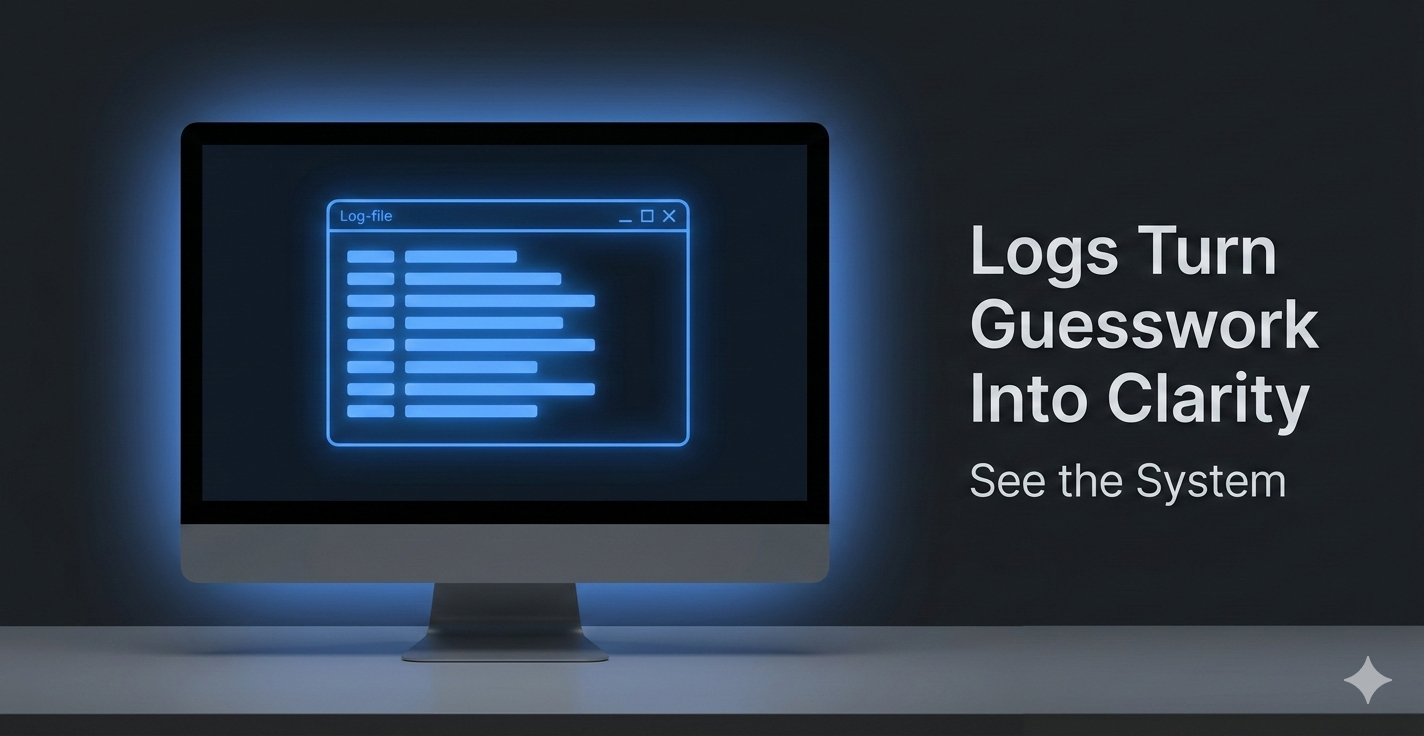 And then there are logs, logs turn guesswork into clarity. Once you understand how systemd journals, kernel messages, and application logs fit together, you gain the ability to reconstruct what happened and why. Logs turn guesswork into clarity.
Clearing Up Common Misconceptions
Many techs assume Linux is harder than it really is without any point and click interface. Linux is remarkably consistent. Once you understand the patterns, the system becomes predictable and even elegant.
Another misconception is that Linux is only for “server people.” Linux knowledge is now a core competency across cybersecurity, cloud engineering, DevOps, and even support roles. It’s the connective tissue of modern IT.
Looking Ahead
Linux is becoming central as organizations adopt cloud native architectures and automation. The professionals who understand its foundations will be the ones who troubleshoot faster, collaborate better, and adapt more easily to new technologies.
Investing in your Linux foundations isn’t about memorizing commands. It’s about building intuition, understanding how systems behave and why. Once you develop that intuition, Linux becomes less of a skill and more of a career multiplier.
Talk to you next week!
Listen to Michael discuss what Linux can do for you!