Building A Learning Blueprint: Tools, Habits, and Systems for Certification Success
Building A Learning Blueprint: Tools, Habits, and Systems for Certification Success
Now that you’ve explored the tech career landscape and started narrowing down your certification path, it’s time to build the structure that will carry you through the year. Think of this as your 2026 Learning Blueprint, the system that keeps you moving even when motivation dips or life gets busy.
Most people don’t struggle with certifications because the content is too hard. They struggle because they don’t have a plan. A blueprint gives you clarity, consistency, and a way to measure your progress. But how do you build one?
Step 1: Map out your certification goals
You don’t need exact dates, but you do need a goals to reach that keep you on track. You want both short term and long-term goals, something like:
April 2026: Network+
December 2026: Security+
May 2027: CySA+
This roadmap helps you stay focused and avoid bouncing between topics.
Step 2: Choose the tools that will support your learning
A strong study system uses a mix of resources. Core study materials might include certification objectives, books, video courses, practice exams, and flashcards. Memory tools like structured note taking systems help you retain what you learn.
Hands on tools, virtual machines, simulators, or home lab equipment, give you real world experience. You don’t need everything at once. Start with the basics and build as you go.
Step 3: Create a weekly study rhythm
A blueprint becomes powerful when it turns into a routine. A simple weekly structure might look like:
2–3 sessions focused on learning new content
1–2 sessions dedicated to hands on practice
1 review session using notes or flashcards
1 session for practice questions or quizzes
We all have busy schedules, slow and steady will get you there. This keeps you moving without overwhelming your schedule. You won’t succeed if you try to do too much at once.
Step 4: Track your progress
Tracking helps you stay motivated and spot weak areas early. You can track:
Chapters or modules completed
Lab hours
Practice exam scores
Topics you need to revisit
A simple spreadsheet or digital tracker works perfectly.
Step 5: Set up your study environment
Your environment shapes your habits more than you might think. Try to create:
A dedicated study space
A consistent study schedule
A distraction free setup
A place to keep your notes and materials organized
This is also where your future home lab can live, we’ll talk about this later.
Step 6: Build flexibility into your plan
Life happens. A good blueprint isn’t rigid, it adapts. Give yourself:
Buffer weeks
Optional study days
A plan for catching up
Room to adjust your roadmap if your goals shift
Flexibility keeps you moving instead of feeling discouraged. Image how good you would feel if you were ahead of your schedule!
What comes next
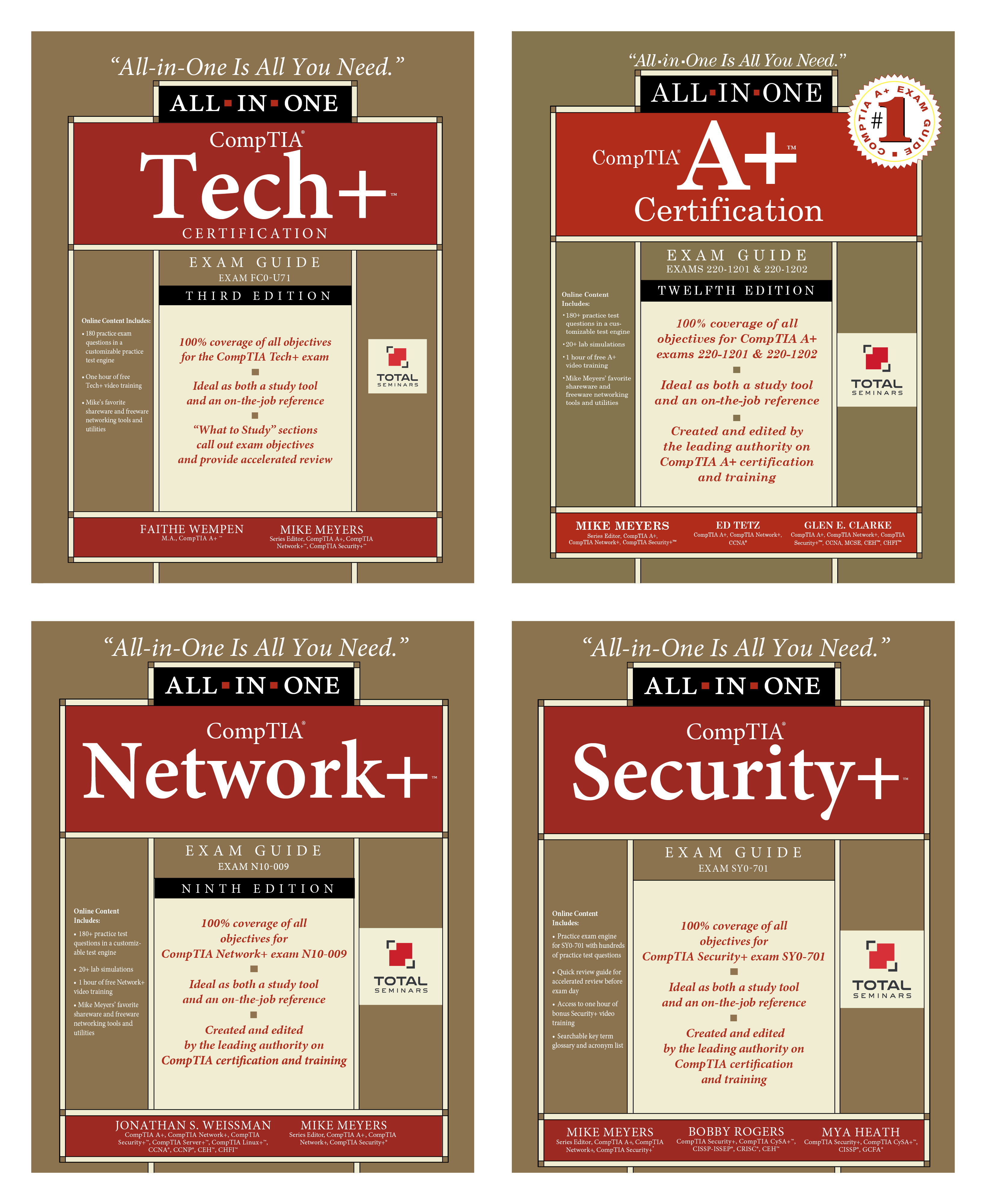
In February, we’ll take this blueprint and begin turn it into action. We’ll talk about a study routine that actually works, compare A+ and Tech+, break down Network+ basics, and walk through how to build a home lab. By the time February starts, you won’t just have goals, you’ll have a system that supports them.
Talk to you next week!